An inventory of every client computer that keeps itself up to date.
Spreadsheets of serial numbers go stale the day you make them. In SilverTech Master System, a light agent on each Windows PC and Mac reports its hardware, software and health on its own, and every computer is filed under the client it belongs to.
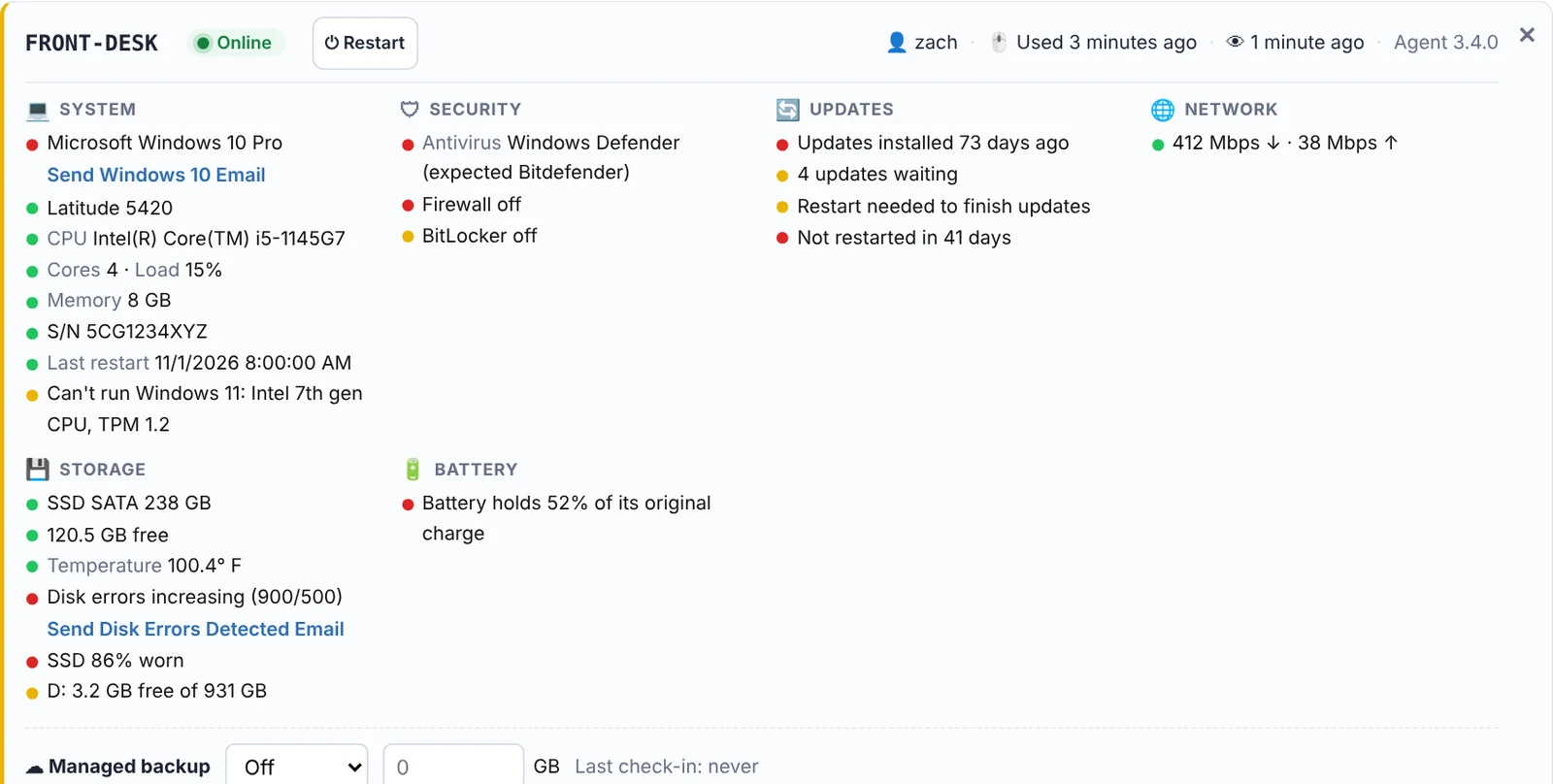
What's recorded for every computer
Hardware
Make, model, serial number, processor, cores, memory, disk type and size, battery health and machine age.
Operating system
Windows or macOS version, activation, Windows 11 readiness and whether the version still gets security updates. More →
Software
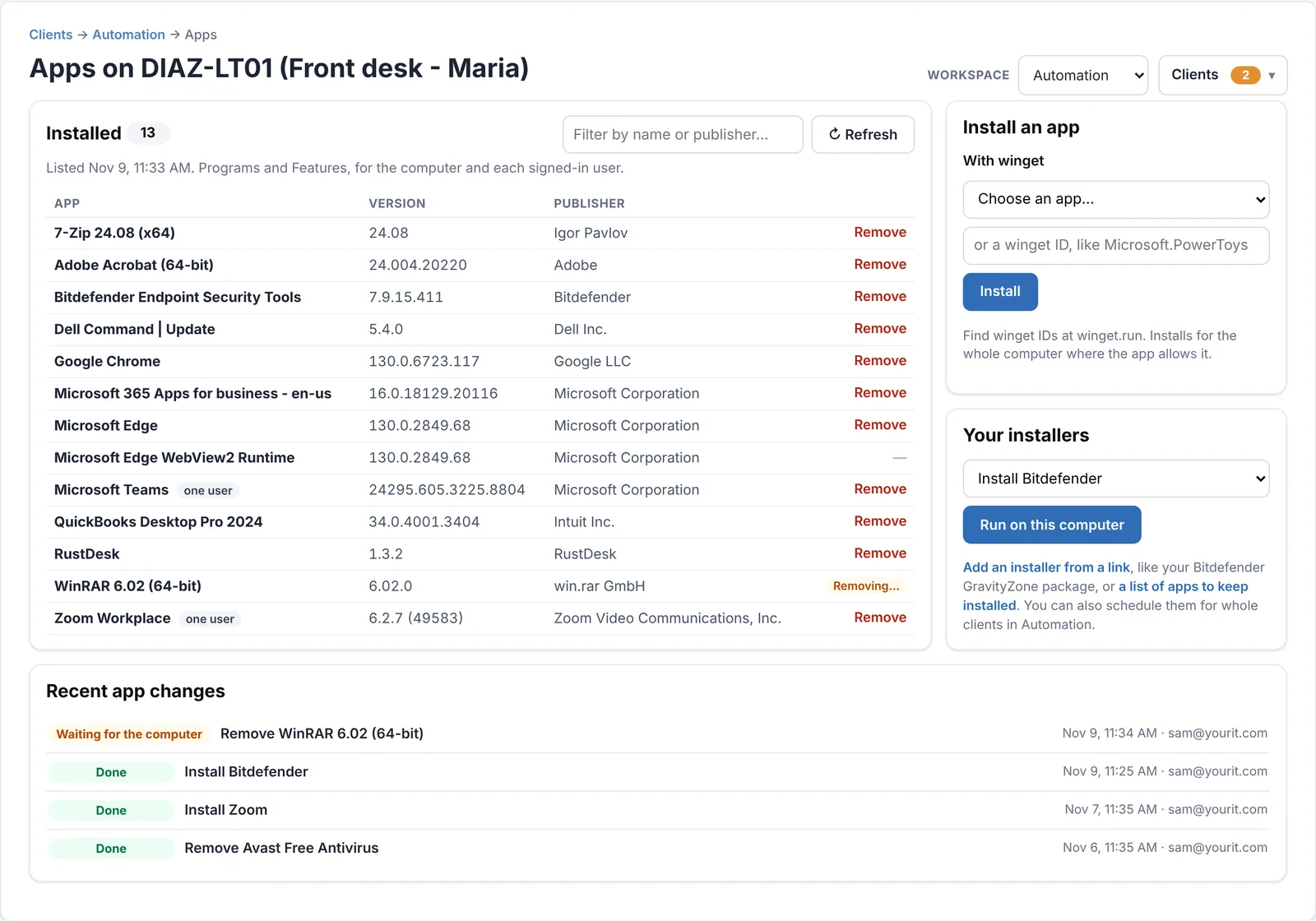
Every installed program with its version and publisher, refreshed weekly, with outdated versions flagged. More →
People & network
Who's signed in, who last used it, its public and local IP address, ping and internet speed.
Warranty
Dell warranty end dates looked up for you, with a warning before they run out and the average age of each client's Dell computers.
Security
Antivirus, firewall, BitLocker or FileVault, and when updates last installed. More →
Every asset belongs to someone.
New computers appear under Assign New Machines with a suggested client, so you link them in one click. Each client page lists their computers with totals, and the search finds a computer by name, client, nickname or the person who uses it.
- Nicknames like "Front desk - Maria" for the computers people actually talk about
- Computers still linked to clients you've deleted are listed, so nothing gets lost
- Remove the agent when a computer is retired, with no visit needed
What's installed, everywhere.
Open Apps on any computer for its full program list, or see one list of outdated software across all of them. Remove unwanted apps silently, or push what's missing.
- Includes apps installed for just one user
- Uninstall MSI, Inno Setup and NSIS installers silently, with winget as a fallback
- Install from winget or Homebrew, or your own installer from a link
Install the agent and watch the inventory fill itself in.
Free for 14 days. No credit card needed to start.
Questions
Do I have to enter anything by hand?
No. The agent reports everything on its own. You only choose which client a new computer belongs to, and STMS suggests one.
Which warranties does it look up?
Dell warranties, looked up automatically by service tag. Other brands show their model and serial number so you can check them with the maker.
Does it inventory printers and network gear?
No. It covers Windows PCs, servers and Macs that run the agent. There's no network discovery.
How often is it updated?
Every check-in: hourly, every 12 hours or daily, your choice, and after every restart. Installed apps are listed weekly and after every change you make.
Related
Know what every client has, without counting.
Free for 14 days. No credit card needed to start.